

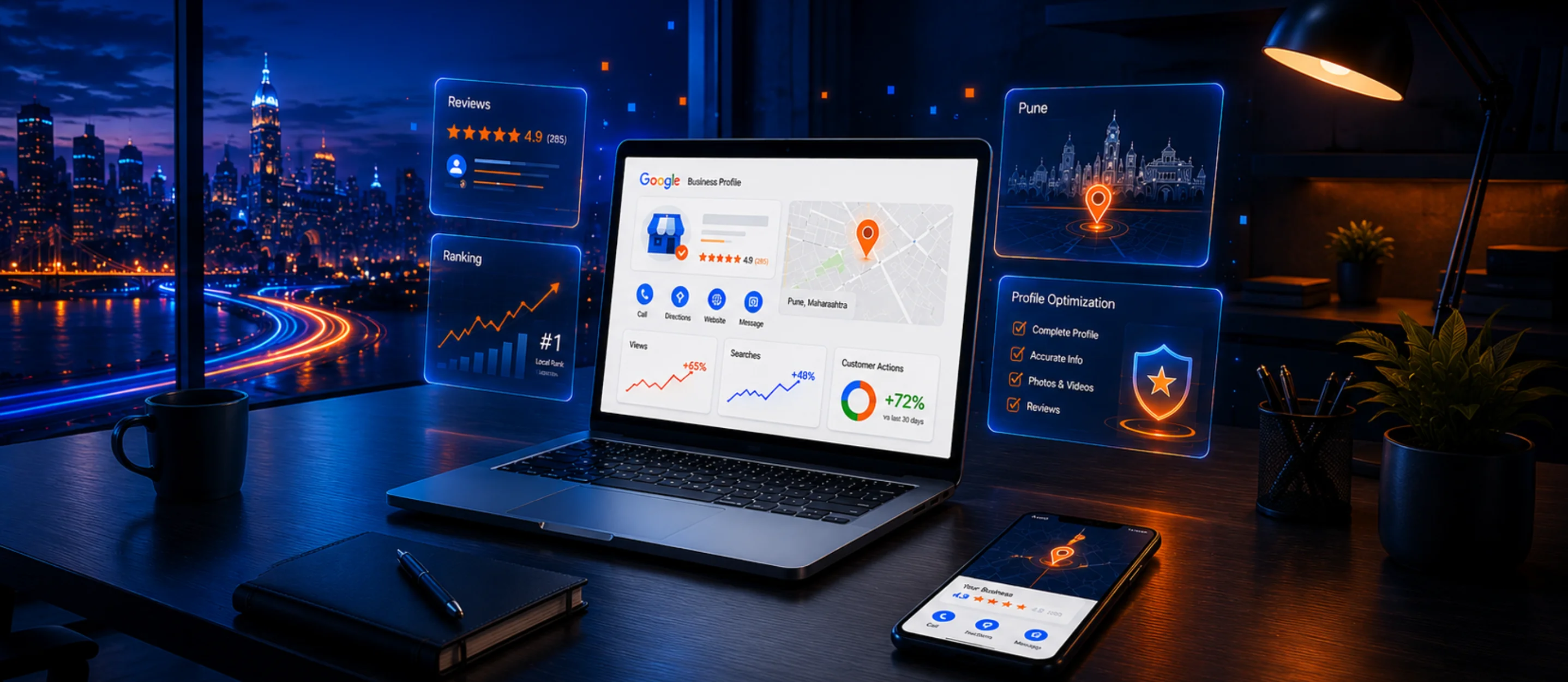
When customers search for a business near them, Google often displays local businesses through Google Maps and local search results. A well-optimized Google Business Profile can help your business become more visible to potential customers searching for your products or services.
Improving your local visibility requires more than simply creating a profile. Your business information, reviews, website, content, and overall local relevance all play an important role.
Here are practical ways to improve your Google Business Profile ranking.
1. Complete Your Google Business Profile
Start by completing all relevant sections of your profile.
Make sure you provide:
- Business name
- Business category
- Address
- Phone number
- Website
- Business hours
- Services
- Business description
- Photos
Complete and accurate information makes it easier for customers to understand your business.
2. Choose the Right Business Category
Your primary business category should accurately describe your main service.
You can also add relevant secondary categories where appropriate.
Avoid selecting unrelated categories simply because they have higher search volume.
3. Keep Your Business Information Accurate
Your business name, address, phone number, and website should be accurate and consistent.
This information should also match the details displayed on your website and other important business listings.
4. Add Your Services
Use the services section to clearly explain what your business offers.
For example, a digital marketing business may list services such as:
- SEO
- Google Ads
- Social Media Marketing
- Website Design
- Lead Generation
- Google Business Profile Optimization
Use natural descriptions rather than repeatedly adding keywords.
5. Upload High-Quality Photos
Regularly adding relevant, genuine business photos can make your profile more useful to customers.
Depending on your business, you can add:
- Office photos
- Team photos
- Product photos
- Project photos
- Workplace photos
- Event photos
Use original images whenever possible.
6. Get Genuine Customer Reviews
Reviews are an important part of building trust with potential customers.
Encourage genuine customers to leave honest reviews after using your products or services.
You can also respond professionally to reviews, including both positive and negative feedback.
Never buy fake reviews or create reviews yourself.
7. Create Regular Google Business Profile Updates
Use your profile to share useful updates about your business.
You can post:
- New services
- Offers
- Business updates
- Events
- New projects
- Helpful information
Keep posts useful and relevant rather than publishing repetitive promotional content.
8. Optimize Your Website for Local Search
Your Google Business Profile should be supported by a strong website.
Make sure your website clearly communicates:
- What your business does
- Where you operate
- Your services
- Contact information
- Business address
You can also create useful location-focused content when it genuinely helps your customers.
9. Maintain Consistent NAP Information
NAP stands for:
Name + Address + Phone Number
Keep your business information consistent across:
- Website
- Google Business Profile
- Business directories
- Social media profiles
- Relevant local listings
Consistency helps avoid confusion for both customers and search engines.
10. Monitor Your Performance
Regularly review your local search performance.
Track things such as:
- Search visibility
- Website visits
- Calls
- Direction requests
- Profile interactions
- Customer enquiries
Use the available Google tools and your website analytics to understand how customers discover your business.
How Long Does It Take to Improve Google Maps Ranking?
There is no fixed timeframe for improving local rankings.
Results can depend on:
- Local competition
- Business category
- Location
- Website quality
- Reviews
- Local relevance
- Profile completeness
- Overall SEO activity
Local SEO should be treated as an ongoing process rather than a one-time task.
Common Google Business Profile Mistakes to Avoid
Avoid:
- Fake reviews
- Keyword stuffing in your business name
- Incorrect business information
- Duplicate profiles
- Unrelated business categories
- Low-quality or misleading photos
- Ignoring customer reviews
- Inconsistent contact information
Focus on providing accurate information and a useful customer experience.
Need Help With Google Business Profile Optimization?
Webjexa Tech Solutions helps businesses improve their local online presence through Google Business Profile optimization, SEO, website optimization, and local search strategies.
If you want to improve your business visibility on Google Search and Google Maps, our team can create a strategy based on your business and target location.