

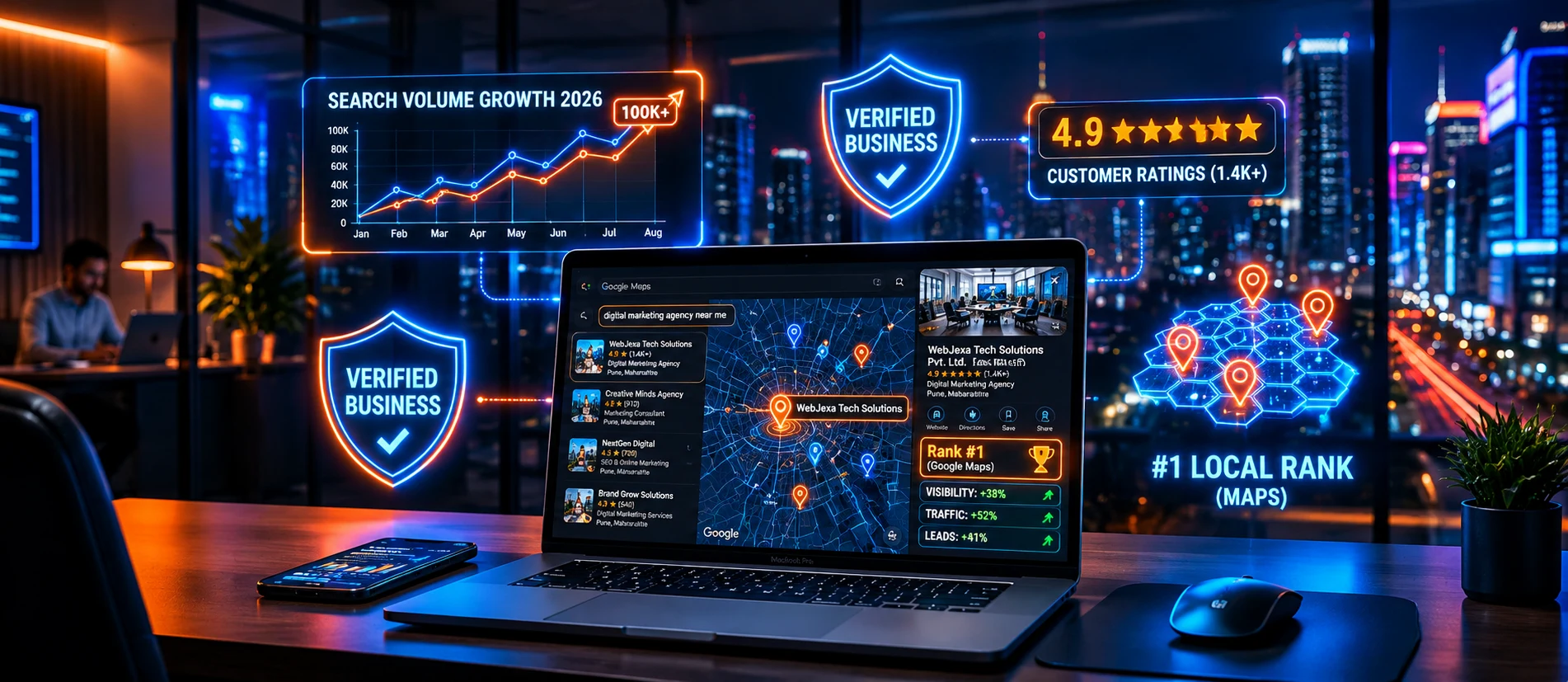
When people search for services near them, Google Maps often becomes one of the first places they look. Whether someone needs a dentist, restaurant, digital marketing agency, electrician, or website development company, they want to find a relevant business quickly, check its reviews, and contact the right provider.
For local businesses, appearing prominently in Google Maps can create valuable opportunities to attract nearby customers and generate high-intent inquiries.
However, simply creating a Google Business Profile is not enough to guarantee top rankings. Businesses need accurate information, relevant services, genuine customer reviews, a trustworthy website, and a consistent Local SEO strategy.
So, how can you rank higher on Google Maps in 2026?
In this comprehensive guide, we explain how Google Maps rankings work, how to optimize your Google Business Profile, which Local SEO strategies actually move the needle, and what pitfalls businesses should avoid when trying to improve local search visibility.
What Is Google Maps SEO?
Google Maps SEO is the process of improving a business's visibility in relevant local search results across Google Maps and Google Search.
It involves optimizing your Google Business Profile, maintaining accurate business information (NAP), improving your website's local relevance, earning genuine customer reviews, and building credibility across reputable online channels.
For example, when a user searches for "digital marketing company in Pune" or "website design company near me," Google displays local 3-pack business listings prominently alongside regular search results.
These local listings help potential customers:
- Discover nearby businesses: Quickly locate service providers within their immediate geographic vicinity.
- Compare ratings and reviews: Evaluate customer feedback, star ratings, and review responses.
- Check business hours & details: Verify real-time operating hours, holiday schedules, and contact methods.
- Visit a website or request directions: Instantly navigate to your premises or click through to explore service offerings.
- Direct inquiries: Place a direct phone call, send a WhatsApp message, or request a quotation.
Google Maps SEO is essential for eligible local businesses that either welcome customers at a physical storefront or travel directly to clients within a defined service area. The objective is not simply to appear on a map; it is to ensure the right customers find and choose your business when their purchasing intent is highest.
How Does Google Maps Ranking Work in 2026?
Google officially explains that local search rankings are primarily influenced by three core pillars: Relevance, Distance, and Prominence. Understanding how these systems interact helps businesses prioritize the right optimization activities.
How closely your business profile and services match what someone is actively typing into the search bar.
How far the business is located from the searcher's physical location or specified geographic area.
How well-known, reputable, and authoritative the business appears across web signals and genuine reviews.
1. Relevance
Relevance refers to how closely a business profile matches what someone is searching for. For example, a person searching for "website design company in Pune" is served businesses whose documented categories, services, and online content align directly with web design.
You can optimize relevance by:
- Selecting the most accurate primary business category.
- Adding relevant secondary categories where applicable.
- Listing all services your business genuinely provides with clear descriptions.
- Writing an informative, keyword-rich yet natural business description.
- Maintaining complete and verified business details across all profile fields.
- Linking your profile directly to relevant service pages on your website.
Tip: Avoid adding unrelated services or stuffing keywords into your business name. Your profile should accurately represent real-world operations.
2. Distance
Distance measures how far a business is located from the searcher or the location term used in the query. For instance, someone searching for a restaurant near Kothrud will see different local results compared to someone searching from Baner or Hinjewadi.
Distance is determined algorithmically by Google using the user's GPS/IP data and your business's verified address or service boundaries. You cannot artificially manipulate distance everywhere simply by adding arbitrary areas to your service territory.
3. Prominence
Prominence measures how established and trusted a business appears to be. Google analyzes signals from across the entire web, including customer reviews, brand citations, backlinks, and directory listings.
Businesses build prominence through:
- Consistently earning authentic, positive customer reviews.
- Responding quickly and professionally to all reviews.
- Securing authoritative backlinks and local industry mentions.
- Publishing informative, high-value content on a mobile-friendly website.
- Maintaining synchronized NAP (Name, Address, Phone) consistency across the web.
Step-by-Step Guide to Rank Higher on Google Maps
Follow these 13 practical steps to build an unshakeable local search presence in 2026:
Claim and Verify Your Google Business Profile
Your Google Business Profile (formerly Google My Business) is the anchor of your local visibility. If your business hasn't claimed or verified its listing, start immediately by visiting the official portal at google.com/business.
Once you gain verified dashboard access, double-check that every core field matches your official registration:
- Legal Business Name
- Primary & Secondary Categories
- Exact Physical Address or Service Territory
- Direct Phone Number
- Official Website URL
- Regular Operating Hours
- Comprehensive Services Catalog
- Verification Status Confirmation
Choose the Right Primary Business Category
Your primary category is one of the heaviest ranking factors for Google Maps. It signals the core nature of your company. If you primarily build websites, choose "Website Designer" or "Internet Marketing Service" rather than an obscure or overly broad category.
- Identify the single most profitable service customers hire you for.
- Select the closest official Google category match as your primary.
- Add 2 to 5 relevant secondary categories only when they genuinely describe secondary offerings.
- Review category options periodically as Google updates its taxonomy.
Optimize Your Business Information
Completeness builds customer confidence and aids search algorithms in categorizing your business. Ensure your phone number is a working direct line, your opening hours account for lunch breaks or weekend shifts, and your website link directs visitors to a lightning-fast, mobile-friendly landing page.
Write a Clear and Useful Business Description
Your 750-character business description should introduce your brand, your experience, and the specific audiences you cater to.
For example, an agency like Webjexa could state: "Webjexa Tech Solutions is a premier digital marketing and website development agency in Pune. We specialize in custom web design, SEO, Google Business Profile optimization, and high-ROI lead generation for growing businesses."
Avoid: Repeating keywords unnaturally, inserting promotional coupon codes, or pasting URLs into the description field, as this violates Google's guidelines.
Add Relevant Services and Custom Products
Take full advantage of the Services tab. Group your offerings logically with accurate descriptions and pricing where applicable:
- Custom Website Design: Corporate portals, landing pages, and responsive UI/UX redesigns.
- Search Engine Optimization: Technical SEO, local SEO audits, AEO, and GEO optimization.
- Google Ads / PPC: Search ads, display campaigns, and conversion rate optimization.
- Google Business Profile Optimization: Local ranking boost, review management, and citation building.
Upload High-Quality Authentic Business Photos
Photos establish real-world authenticity. Businesses with regular photo uploads generate significantly more requests for directions and phone inquiries.
- Exterior building signage and entrance
- Clean interior office spaces and conference rooms
- Team members working collaboratively
- High-res screenshots of completed client projects
Get More Genuine Google Reviews
Reviews are a critical component of Google's prominence assessment. A steady influx of genuine 5-star reviews with detailed feedback directly influences local 3-pack placement.
Create a direct short link via your GBP dashboard (e.g., https://g.page/r/.../review) and share it with clients upon project completion.
Sample Review Request Template:
"Thank you for choosing Webjexa Tech Solutions! We loved partnering with you on your website. If you found our work helpful, would you take 60 seconds to share an honest review on Google? Your feedback helps fellow local business owners find us and helps our team continually improve."
Respond Professionally to Every Customer Review
Always acknowledge customer feedback. For positive reviews, thank the customer and mention the service provided. For negative reviews, remain professional, avoid getting defensive, and provide a direct offline channel (email or phone) to resolve the issue amicably.
Optimize Your Website for Local SEO
Your website and Google Business Profile work in tandem. Google crawls your linked website to cross-reference location data, service keywords, and brand authority.
Explore WebJexa's specialized SEO, AEO and GEO services to ensure your website includes clean schema markup, dedicated local service landing pages, and responsive mobile architecture.
Create Useful Location-Specific Content
Address the real challenges of customers in your geographic territory. Instead of publishing spammy duplicate pages, craft in-depth resources such as cost guides, case studies of local businesses, and market-specific insights.
Maintain Consistent Business Information (NAP)
Inconsistent phone numbers or slight discrepancies in your street address across Justdial, Sulekha, IndiaMART, LinkedIn, Facebook, and industry directories can create algorithmic doubt. Audit and synchronize your business citations regularly.
Build Relevant Local Links and Mentions
Local backlinks act as votes of confidence. Partner with local business chambers (like MCCIA in Pune), sponsor reputable college or community events, collaborate with vendor partners, and contribute thought-leadership articles to regional publications.
Keep Your Business Profile Active and Updated
Share regular updates, announce new service launches, and post holiday schedule changes promptly. An active profile signals to Google that your business is thriving and operational.
Local SEO Checklist for 2026
Use this essential checklist to audit your local search presence and identify gaps in your Google Business Profile strategy:
Common Google Maps SEO Mistakes to Avoid
Many businesses inadvertently penalize their visibility by pursuing short-term shortcuts. Protect your business profile by steering clear of these common errors:
1. Stuffing Keywords into the Business Name
Appending phrases like "Best Digital Marketing Agency" or "- SEO Company Pune" to your legal name violates Google's guidelines and risks sudden profile suspension.
2. Creating Virtual or Fake Addresses
Registering virtual mailboxes, co-working spaces with no physical staff, or residential homes where you don't receive customers will trigger reverification and penalties.
3. Buying Fake or Incentivized Reviews
Purchasing fake reviews or exchanging discounts for ratings violates consumer protection laws and Google's anti-spam algorithms, resulting in review wipes or permanent listing bans.
4. Generating Duplicate Listings
Attempting to create multiple profiles for the same business at the same physical office dilutes prominence and leads to algorithmic suppression.
5. Publishing Thin or Programmatic Doorway Pages
Creating dozens of identical website pages with only the suburb name swapped out provides zero user value and triggers Google search quality demotions.
6. Neglecting Your Website's User Experience
An optimized GBP profile will fail to generate customers if the linked website takes 10 seconds to load, lacks clear CTAs, or has broken mobile navigation.
7. Expecting Instant Overnight Rankings
Local SEO is a compounding process. Building sustainable relevance, authority, and prominence requires disciplined execution over 3 to 6 months.
How to Track Your Google Maps Ranking Progress
Measuring local search performance ensures you invest time and budget into strategies that translate directly into business revenue. Focus on these 4 tracking pillars:
GBP Performance Metrics
Monitor total business profile interactions, direct phone calls, map direction requests, and website link clicks directly within your Google Business Profile dashboard.
Google Search Console
Evaluate organic clicks, average SERP rankings, and high-converting localized search queries that lead users to your core location and service pages.
Lead & Inquiry Tracking
Track qualified phone calls, WhatsApp inquiries, contact form submissions, and scheduled client consultations with dedicated CRM tracking tags.
Geo-Grid Local Rank Checks
Use geo-grid ranking checkers to observe how your business ranks from varying geographic coordinates across different Pune neighborhoods.
How WebJexa Can Help With Google Business Profile Optimization
WebJexa Tech Solutions provides end-to-end digital marketing and development services designed to help local and regional businesses dominate local search and capture consistent qualified inquiries.
Our comprehensive growth solutions include:
- Google Business Profile Optimization: Category refinement, listing setup, photo curation, and review strategy.
- SEO, AEO & GEO Services: Search engine optimization, AI search readiness, and localized geographic content.
- High-Converting Website Design: Fast, modern web solutions built to convert local traffic into paying clients.
- Google Ads & PPC Advertising: Hyper-targeted local search campaigns delivering immediate leads.
- B2B & B2C Lead Generation: Proven multi-channel client acquisition systems.
Ready to elevate your local visibility? Contact WebJexa today to schedule a local SEO audit and discover your business's true ranking potential.
FAQs
Final Thoughts
Ranking higher on Google Maps in 2026 requires an unwavering commitment to relevance, accuracy, consumer trust, and integrated local search optimization.
Focus on mastering your profile fundamentals, maintaining clean NAP data, engaging with customer reviews, and supporting your business listing with a modern, mobile-friendly website. Avoid risky shortcuts like keyword stuffing or buying fake feedback, and prioritize building an authentic brand that customers love.